
Original Post and Author is HERE
Laptop vs Desktop: Which is Better in 2025?
It’s almost 2025, and the choice of selecting between laptop vs desktop is still difficult if you are not sure which one is the best fit for you.
Therefore, to help you make an informed decision, in this blog, we will delve deep into the laptop vs desktop comparison and explore more features and advantages that will help you decide whether to buy a PC or a laptop.
Pros And Cons Of Laptops
Pros of a Laptop
As you know laptop combines the small screens, keyboard, mouse, speakers, and rest of the PC components into one small device, they have all the functionalities similar to Desktop PC and can also be utilized as tablets like 2-in 1 laptops, let’s check out the Pros of Laptops.
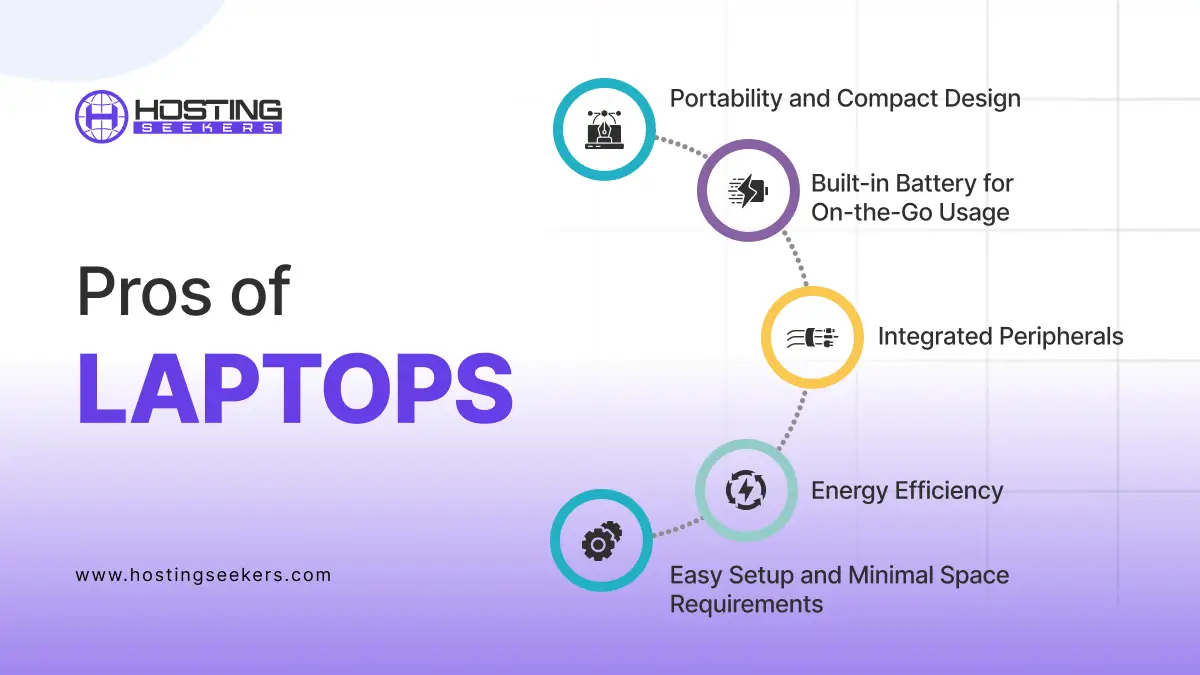
1. Portability and Compact Design
Laptops are developed and designed for mobility. Their lightweight, compact build enables users to work, study, or enjoy entertainment from virtually anywhere, be it a coffee shop, a library, or while traveling.
2. Built-in Battery for On-the-Go Usage
Laptops can easily operate without a direct power connection, thanks to their rechargeable batteries. This makes them convenient during power outages or in places without access to power outlets. Its typical battery life ranges from 4 to 12 hours, depending on the model and usage.
3. Integrated Peripherals
A laptop combines vital components like display, keyboard, mouse, and speakers into a single device. This eliminates the need to carry or set up multiple peripherals. Also, it reduces the clutter and enhances convenience. Moreover, it saves space, making it ideal for small workspaces.
4. Easy Setup and Minimal Space Requirements
Laptops are ready to use right out of the box. There’s no requirement to assemble separate components, as is often the case with desktops
5. Energy Efficiency
Laptops consume less power than desktops, making them more environmentally friendly and cost-effective for users concerned about energy bills.
Cons of Laptops
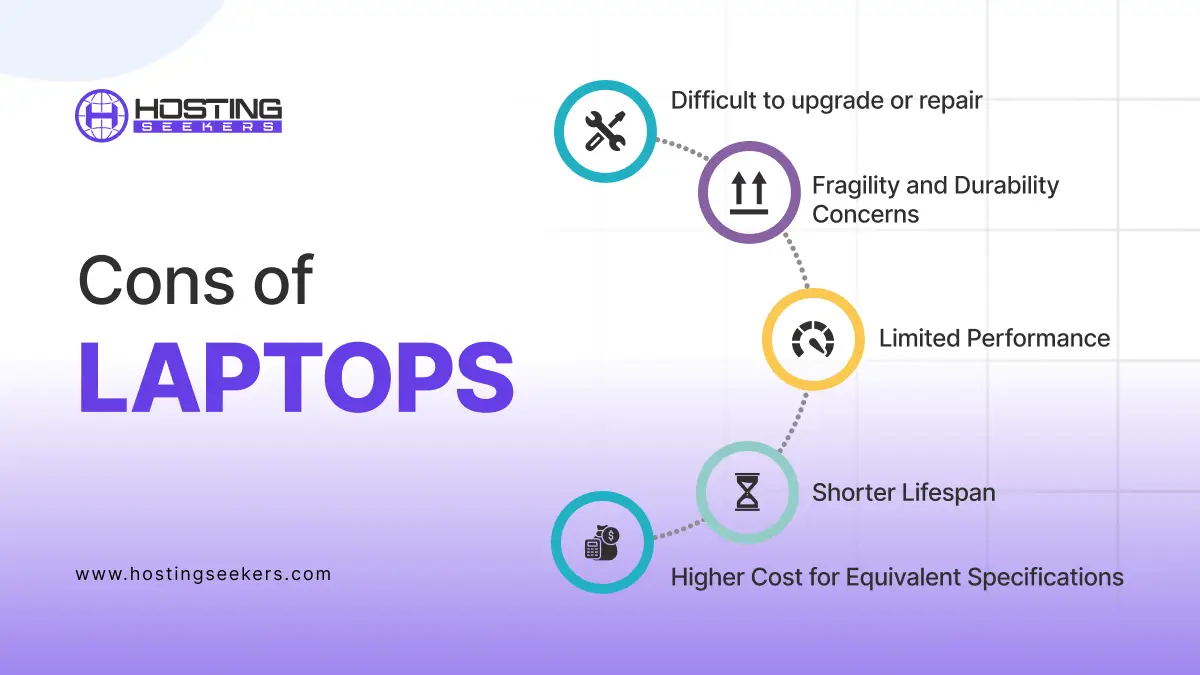
1. Limited Performance
They are less suited for demanding tasks like high-end gaming, 3D rendering, or extensive video editing.
2. Difficult to Upgrade or Repair
Unlike desktops, most laptop CPUs and GPUs are soldered onto the motherboard, making them nearly impossible to replace. Some models allow RAM or storage upgrades, but even that depends on the manufacturer’s design.
3. Higher Cost for Equivalent Specifications
When you compare a laptop and a desktop with the same specs, the laptop is often more expensive because of miniaturization, battery integration, and portability features.
4. Fragility and Durability Concerns
Laptops are more prone to physical damage if dropped or exposed to moisture. Their slim frames also make them less resistant to wear and tear over time.
5. Shorter Lifespan
Because of thermal stress, smaller cooling systems, and limited upgradeability, laptops often have a shorter usable life compared to desktops before performance becomes outdated.
Pros And Cons of Desktops
Pros of Desktop
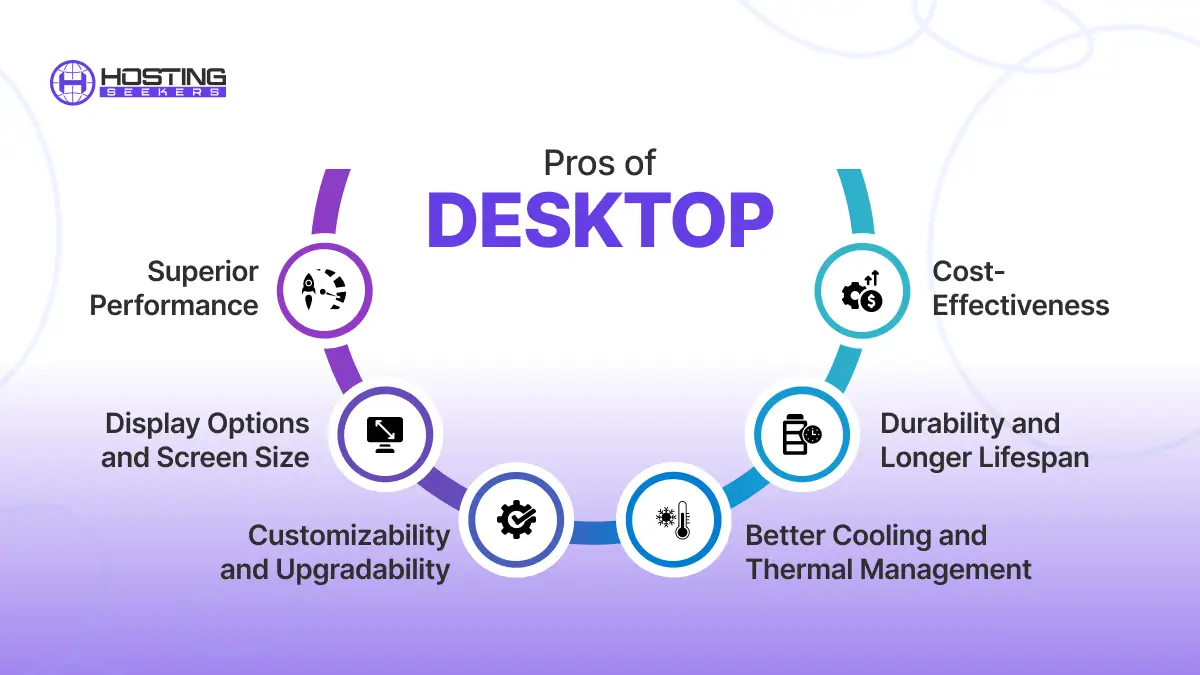
1. Superior Performance
Desktops are developed for power. They can accommodate high-performance processors. Dedicated GPUs and advanced cooling systems make them ideal for gaming, video editing, and other intensive tasks.
2. Customizability and Upgradability
Unlike laptops, desktops enable users to upgrade almost every component, from the processor and graphics card to RAM and storage. It custom builds lets users tailor the system to their particular requirements. Also, you can easily upgrade, extend the device’s lifespan, and keep it current.
3. Cost-Effectiveness
For the exact hardware specifications, desktops are considered cheaper than laptops. Additionally, personal components are more affordable and widely available.
4. Better Cooling and Thermal Management
Desktops have larger chassis, enabling better airflow and more advanced cooling solutions, which enhance performance during extended use and prevent overheating.
5. Durability and Longer Lifespan
Desktops are stationary, decreasing the risk of physical damage. With regular maintenance and upgrades, they can remain functional and relevant for many years.
6. Display Options and Screen Size
Users can pair desktops with monitors of their choice, ranging from standard screens to ultra-wide and high-resolution displays. This flexibility is invaluable for multitasking, gaming, and professional work.
Cons of Desktop
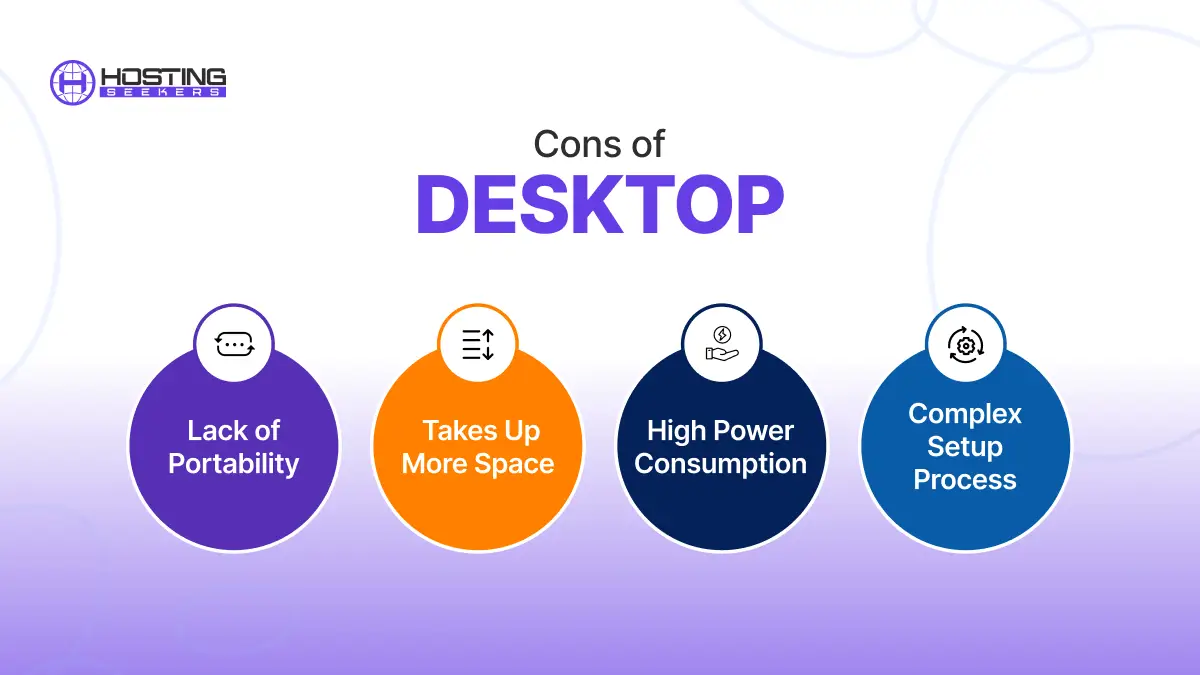
1. Lack of Portability
Desktops are stationary devices, making them unsuitable for users who need to work or study in multiple locations. They are not ideal for travelers, students, or remote employees who move frequently.
2. Takes up More Space
A desktop set up incorporates multiple components like the monitor, CPU, Keyboard, and more, requiring significantly more space than a laptop. Also, it may not be suitable for small apartments or workspaces.
3. High Power consumption
Desktop consumes more electricity compared to web-based, resulting in higher energy costs over time. They also need a constant power supply, making them unusable during power outages without a UPS.
4. Complex Setup Process
Setting up a desktop includes connecting multiple components, which can be intimidating for non-tech-savvy users. Also, regular maintenance like cleaning dust from components is necessary to ensure optimal performance.
Laptop vs Desktop: Which is Best?
Selecting between a laptop and a desktop entirely depends on your requirements and choice. For average and basic use, a laptop is the best fit. If you are aware that your employees may work well with the freedom to move around and in different locations, then a laptop will be a better option. In contrast, if you need it for gaming or using heavy software, then a Desktop can be a good choice. So, the final decision between PC or desktop totally depends on your requirements.
Frequently Asked Questions
Q 1. Which is better, a laptop or a Desktop PC?
Ans. It depends on your needs:
A laptop is better for portability, convenience, and working on the go.
A Desktop PC offers more performance, better upgrade options, and is usually more cost-effective for heavy tasks like gaming or video editing.
Q 2. What are some advantages of using a laptop?
Ans. Here are some advantages of using a laptop:
- Portability: Easy to carry and work anywhere.
- Space-saving: Doesn’t require much space.
- Integrated features: Includes a built-in battery, webcam, and speakers.
- Power-efficient: Consumes less power compared to desktops.
Q 3. What are some advantages of using a Desktop PC?
Ans. Here are some advantages of using a Desktop PC:
- Better performance: Usually, it has more powerful hardware.
- Upgradeability: Easy to upgrade components like RAM, GPU, or storage.
- Longevity: Generally, it lasts longer due to better cooling and larger components.
- Cost-effective: Offers better value for performance compared to laptops.
Q 4. Which is better for gaming, a laptop, or a Desktop PC?
Ans. A Desktop PC is better for gaming because:
- It has more powerful GPUs and CPUs.
- Easier to upgrade and customize.
- Better cooling solutions.
Q 5. How much RAM is enough?
Ans. 8GB: Sufficient for basic tasks and light multitasking.
16GB: Ideal for most users, including gamers and professionals.
32GB or more: Necessary for heavy multitasking, video editing, or large-scale simulations.
Q 6. How much SSD is good for a laptop?
Ans. 256GB SSD: Suitable for casual users who mainly browse, stream, and work on documents.
512GB SSD: Ideal for users with moderate storage needs, like gamers and professionals.
1TB SSD or more: Recommended for those with extensive storage needs, such as video editors or gamers with large libraries.
Q 7. Which Windows is best for a laptop?
Ans. Here’s the breakdown:
- Windows 11 Home or Pro: Modern and optimized for the latest laptops.
- Windows 10: Still widely used and suitable for older or budget laptops.
- Windows 11: It is recommended for better performance, security, and new features.
Q 8. Which Windows is fastest?
Ans. Windows 11 is the fastest for newer hardware, offering improved performance and optimization. However, on older hardware, Windows 10 might perform better due to its lower system requirements.
Q 9. Can a laptop do everything a desktop can?
Ans. Yes, a laptop can do almost everything a desktop can, but desktops usually offer more power, better cooling, easier upgrades, and better value for heavy tasks. Laptops trade some performance for portability.Your choice should depend on your specific needs and budget.
Q 10. Is a desktop safer than a laptop?
Ans. Yes, a desktop is generally safer in some respects:
- Less portable: Less likely to be lost or stolen.
- Better cooling: Reduces the risk of overheating.
However, security depends more on software and user practices than on the device type. Laptops are equally secure with proper precautions like encryption and strong passwords.
Q 11. Which generation laptop is best in 2025?
Ans. In 2025, the best laptops generally feature Intel Core Ultra 15th Gen, AMD Ryzen 9000 series, or Apple M3/M4 chips, offering top performance, AI acceleration, and improved battery efficiency.


